February 2026
First Hetzner VPS
First time renting and operating a real VPS, then growing it into a small personal lab: Hetzner as the always-on box, an old laptop on Debian as homelab, Tailscale + Termius for remote access, Ollama & Goose for local LLMs, reverse SSH / autossh / code-server to reach a MacBook through the VPS, Caddy (not nginx), Claude Code on the server, and openclaw powering PoketBot on Telegram — plus monitoring and subdomains on amrhnshh.com. Still learning CLI and server-side ops while vibe-coding.

First rented server — Hetzner VPS, Debian homelab laptop, Tailscale, local LLMs, and services under amrhnshh.com.
First rented server — Hetzner VPS, Debian homelab laptop, Tailscale, local LLMs, and services under amrhnshh.com.
First Hetzner VPS
This is not a polished product write-up. It is the story of renting a server for the first time — and then growing it into a small personal lab.
I had done cloud study notes and local experiments before. Renting a Hetzner VPS was different: a real IP, a real shell, DNS that has to resolve, TLS that has to renew, and services that stay up when my laptop is closed. The goal was simple: learn CLI and server-side work properly, even while vibe-coding a lot of the day-to-day setup.
Hetzner VPS
I wanted a place that was mine to break and rebuild — not a managed PaaS that hides the edges. A cheap Hetzner box was enough: SSH in, install what I need, point *.amrhnshh.com at it, and grow from there.
That first login MOTD — hostname, load, memory, disk — is still a useful reminder that this is a real machine I am responsible for, not a sandbox that resets itself.
Homelab laptop (Debian)
The rented VPS is only half the story. I also set up a homelab on an old laptop running Debian — a second node I can experiment on without burning the always-on Hetzner box. Together they form a small personal fleet: one public-facing server, one local lab machine.
Remote access: Tailscale + Termius
Public ports are not the only way in. Tailscale lets me reach both the VPS and the homelab without exposing every admin surface to the open internet. Termius on phone and desktop is the day-to-day SSH client — check a service, restart something, peek at logs — without waiting to get back to the desk.
The Termius host list shows Hetzner next to a connection labelled LangitLab (the Debian homelab). Same muscle memory, different machines.
Local LLMs: Ollama & Goose
On the homelab side I run local LLMs with Ollama and Goose. The models I have actually used include Qwen 0.5B and Phi-4 Mini — small enough to stay useful on old hardware, good enough to poke at agent workflows without sending every prompt to a cloud API.
That sits beside the cloud side of the lab (Claude Code on the VPS): local when I want privacy or offline tinkering, remote when I need more horsepower or the same environment as the services.
MacBook via reverse SSH, autossh, and code-server
I also use the Hetzner box as a bridge back to my MacBook. Reverse SSH tunnels keep a path open from the VPS into the laptop; autossh keeps that tunnel up when the network flaps; code-server gives me a browser IDE on the far side. The pattern is simple: the always-on server is the meeting point, so I can reach the Mac from elsewhere without opening random ports on home Wi‑Fi.
Services: Caddy, openclaw, Claude Code
Reverse proxy: Caddy, not nginx
I chose Caddy over nginx on purpose. Automatic HTTPS, a config file I can read without a ritual of snippets, and reverse-proxy routes that stay short. For a first server, less ceremony mattered more than matching every tutorial that assumes nginx.
That choice paid off quickly: most of what lives on this box is just another hostname in Caddy — TLS included — instead of a pile of certbot and vhost templates.
What runs on the box
Subdomains under amrhnshh.com map to different services. A non-exhaustive sample of what is live or in progress:
| Host | Role |
|---|---|
openclaw.amrhnshh.com | openclaw — hosts PoketBot on Telegram (venting / chat bot) |
beszel.amrhnshh.com | Beszel — host/resource monitoring |
uptime.amrhnshh.com | Uptime checks |
voicebank.amrhnshh.com (+ api.voicebank…) | Voicebank app + API |
wormhole.amrhnshh.com | Wormhole |
catat.amrhnshh.com | Catat |
cdn.amrhnshh.com | CDN / static assets |
aws.amrhnshh.com | AWS study notes site |
Claude Code also runs on the server — including from the phone over SSH. That matters for how I work: the agent is not only on the laptop — it can operate in the same environment as the services it is helping me wire.
openclaw on the VPS hosts PoketBot on Telegram. Hosting a bot is a good forcing function: something must stay up, logs must be readable, and restarts must be boring.
Reliability and honesty
Putting Beszel and uptime next to the apps was deliberate. If I am learning ops, I should see when something is wrong — CPU, disk, a dead check — not only when a Telegram bot goes quiet.
I am still learning. A lot of this was vibe-coded: ask, try, read the error, fix, commit the config. That is fine. The point of the lab is shipping infra I actually use, not waiting until I can recite every sysctl from memory.
What I learned (so far)
- Renting a VPS is the easy step; owning DNS, TLS, reverse proxy, and access control is the real work.
- A rented box plus a Debian homelab laptop is a useful split: public services vs. local experiments.
- Tailscale + Termius changes the security posture — admin access does not have to equal "open SSH to the world."
- Local LLMs (Ollama / Goose) and cloud agents (Claude Code on the VPS) can share one lab without forcing a single path.
- Reverse SSH + autossh + code-server is a practical way to reach a MacBook through an always-on VPS.
- Caddy is a strong default for a small personal fleet: fewer moving parts than a classic nginx + certbot setup.
- Hosting a bot (openclaw → PoketBot) and monitoring (Beszel / uptime) force real ops habits early.
Status
Ongoing personal lab. The box — and the homelab beside it — will keep changing as services come and go. The constant is the lesson: learn server-side by running real things under a domain I care about.
More projects
view all →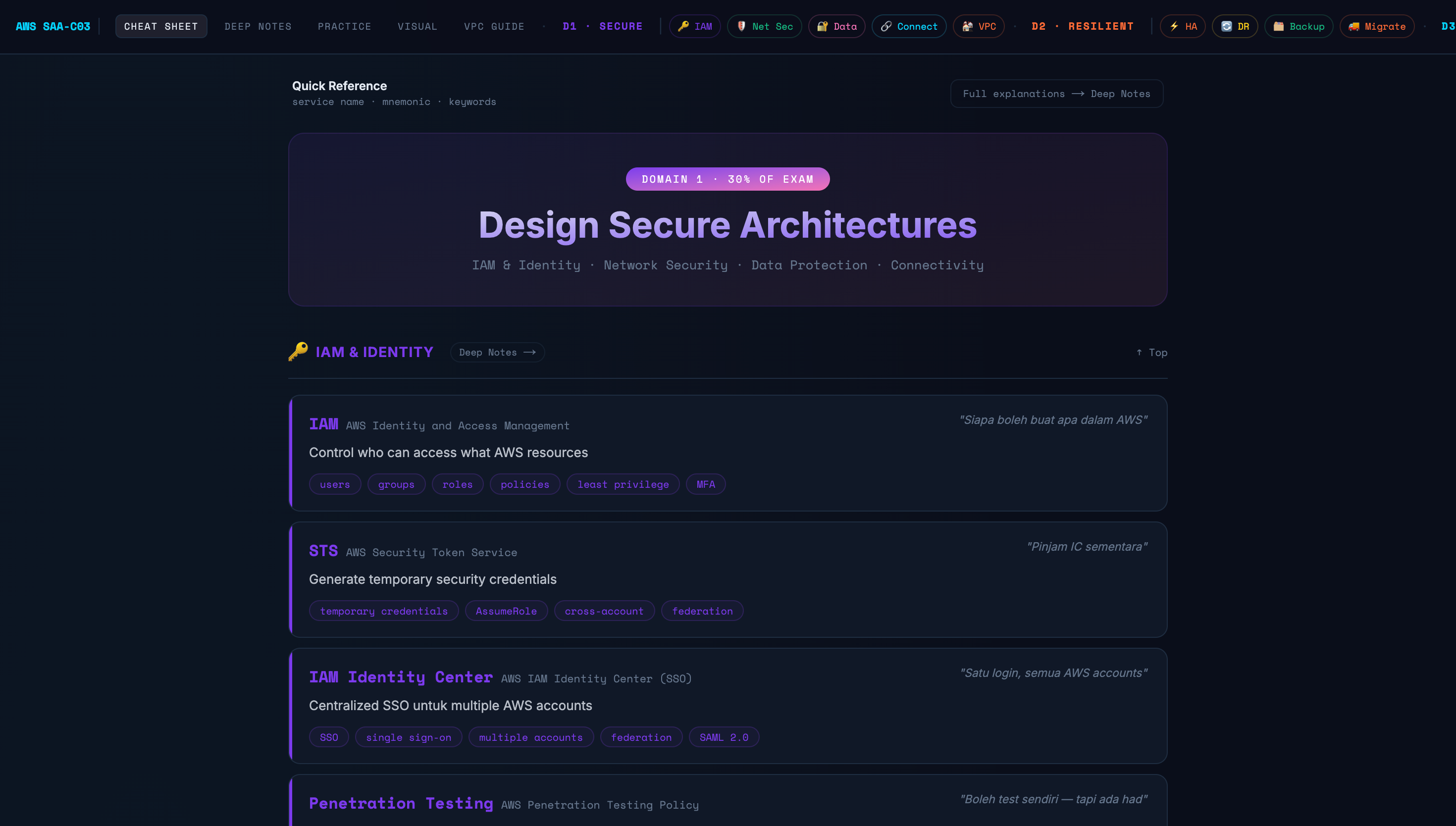
Quick Notes for AWS SAA-C03 exam
A comprehensive, interactive study companion for the AWS Solutions Architect Associate (SAA-C03) exam. Covers all 4 exam domains with a cheat sheet, deep-dive notes, 60 practice questions, interactive architecture diagrams, and a dedicated VPC guide — all in one dark-themed web app.
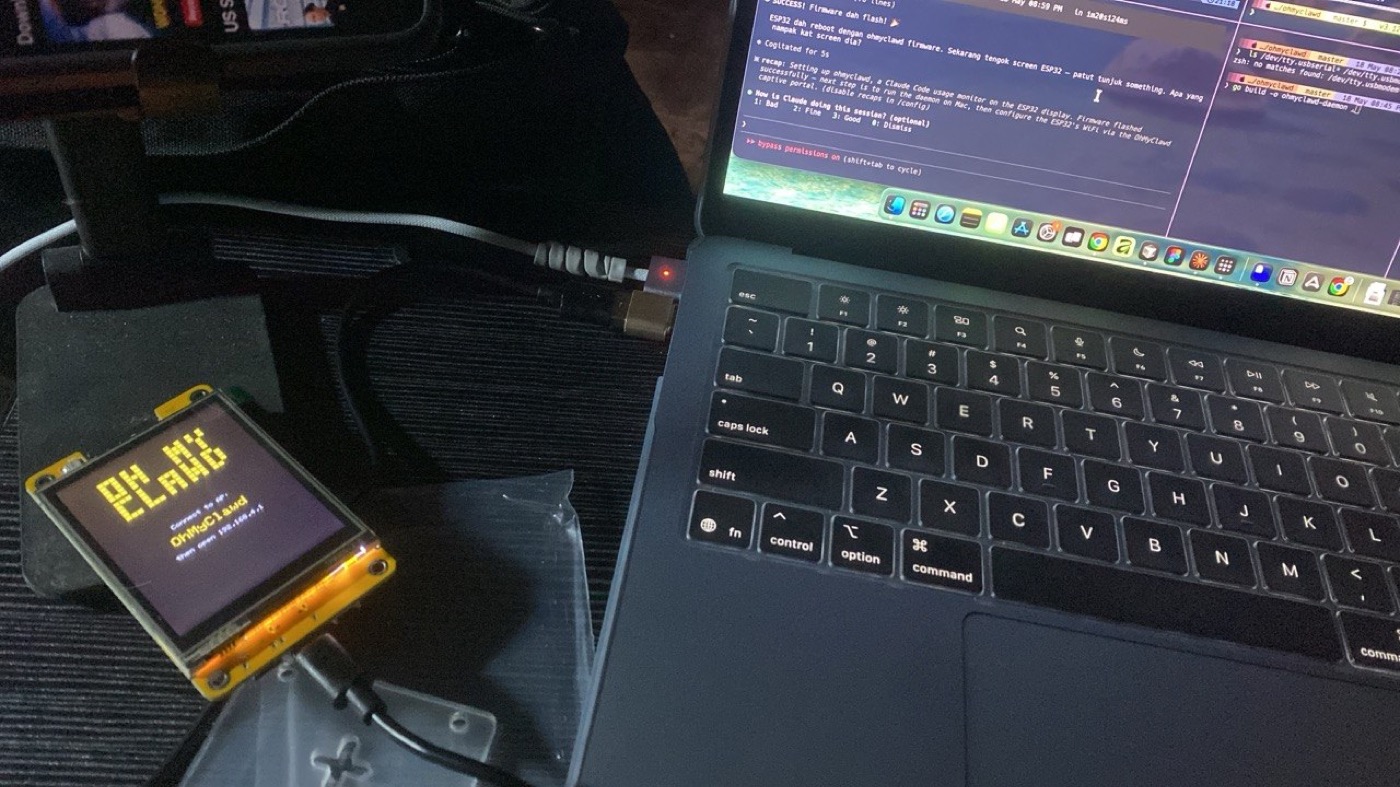
ohmyclawd
A Claude Code usage monitor on a tiny ESP32 desk display — session and weekly usage as animated pixel art, with a retro clock. My macOS + cloud fork of an open-source project.
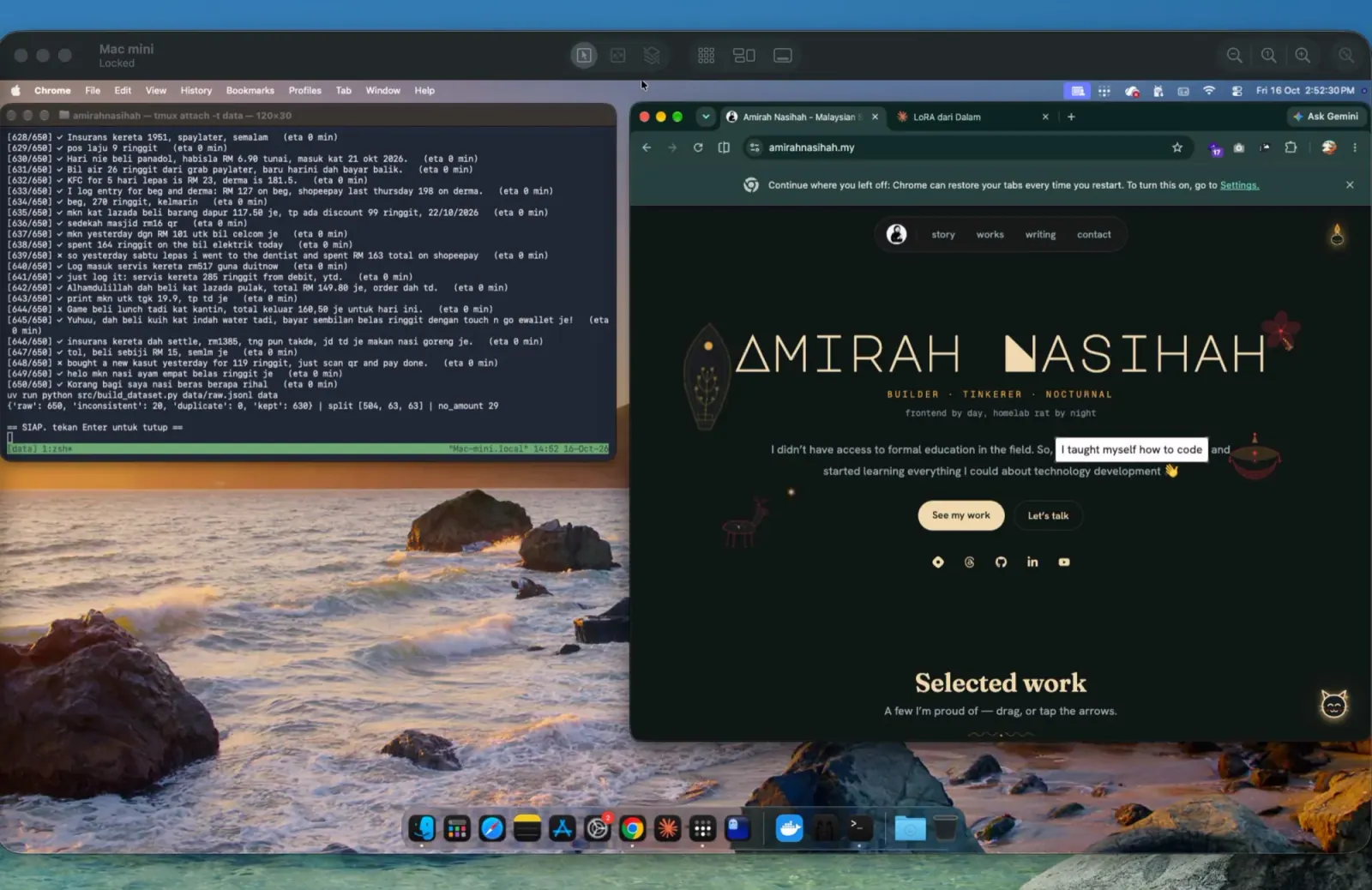
Expense parser: fine-tuning a small LLM on a Mac mini
A learning experiment in supervised fine-tuning. "smlm mkn nasi lemak 8.50 tng" should come out as amount 8.50, food, e-wallet, yesterday, ready for my personal expense tracker. The question it answers with numbers: does a LoRA-tuned 1–2B model beat the same model with prompting alone, and Apple's on-device model? Everything runs on a Mac mini, so money messages never go to a cloud API. As of 18 Oct 2026 the dataset is built and training has not run yet; results will be added either way.