May 2026
Quick Notes for AWS SAA-C03 exam
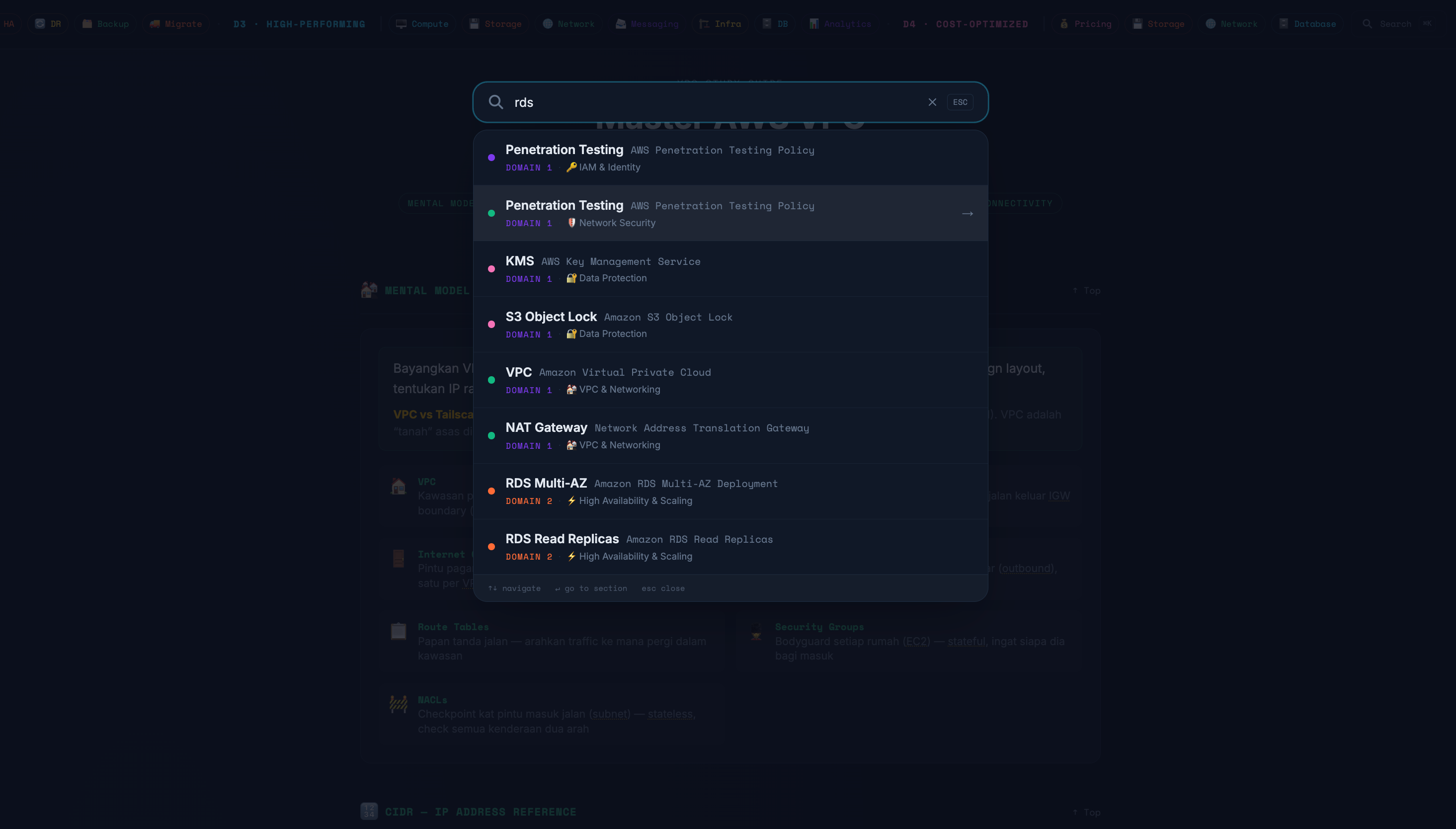
A comprehensive, interactive study companion for the AWS Solutions Architect Associate (SAA-C03) exam. Covers all 4 exam domains with a cheat sheet, deep-dive notes, 60 practice questions, interactive architecture diagrams, and a dedicated VPC guide — all in one dark-themed web app.
Started as a cheat sheet, became an excuse to try the AWS docs over MCP and build my first PWA.
Started as a cheat sheet, became an excuse to try the AWS docs over MCP and build my first PWA.
Quick Notes for AWS SAA-C03
A self-built, interactive study web app for the AWS Solutions Architect Associate exam — covering all four exam domains in one place. Built out of a need for something more navigable than a wall of text, and more personal than generic study guides.
What’s Inside
The site is organised into five main sections, each targeting a different way of studying:
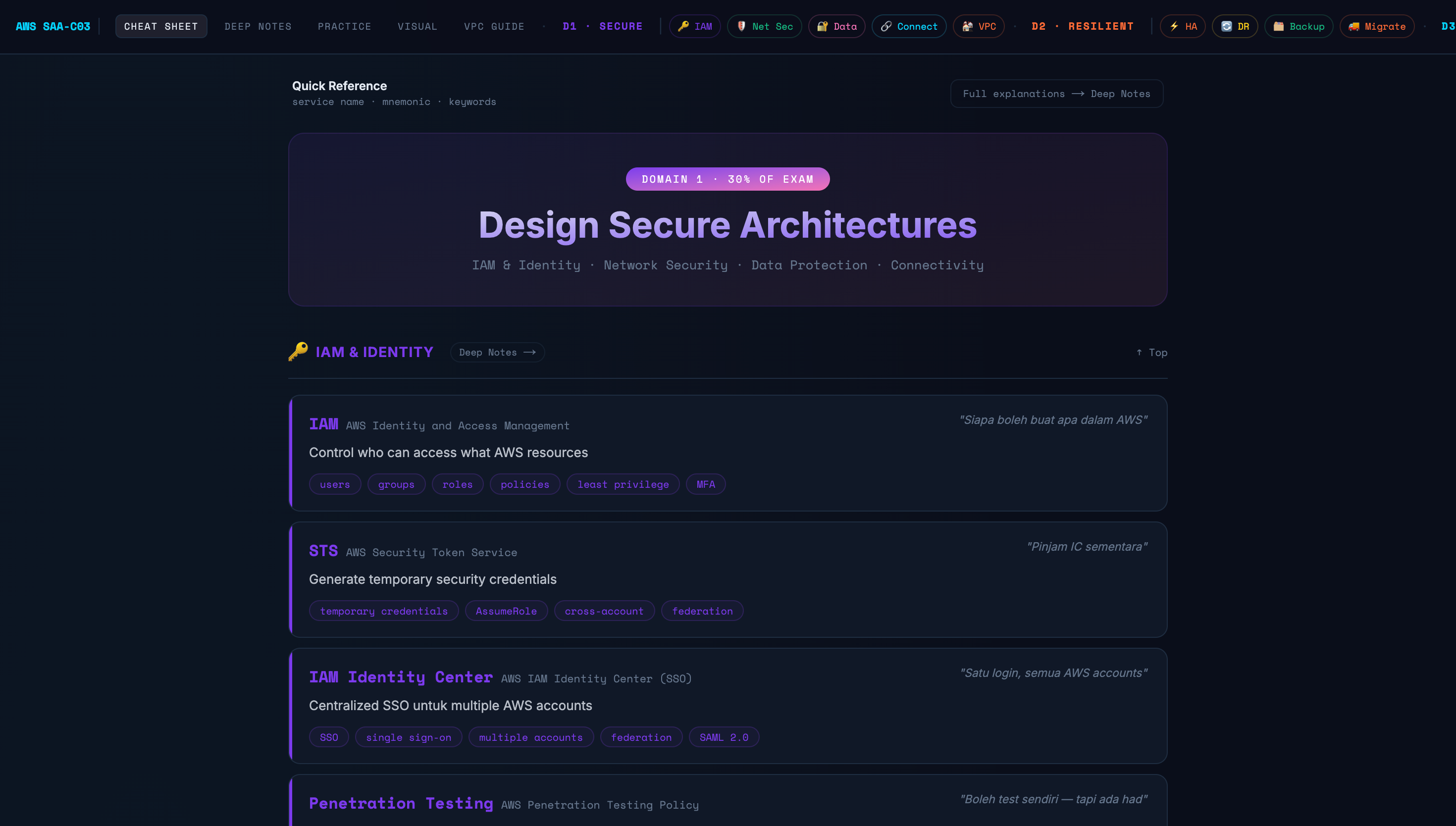
📋 Cheat Sheet
A quick-reference table for every AWS service in the exam syllabus. Each entry shows the service name, a one-line description, a mnemonic (some in Malay — easier to remember personally), and keyword tags. Designed for fast scanning during last-minute revision.
Services are grouped by the four exam domains so you always know which domain a service belongs to.
📓 Deep Notes
Full explanations for each service and concept — going beyond surface-level definitions into why a service behaves the way it does, how it compares to alternatives, and the exact scenarios where the exam will try to trick you.
Organised by domain and sub-topic, with cross-references to related services.
🧪 Practice Questions
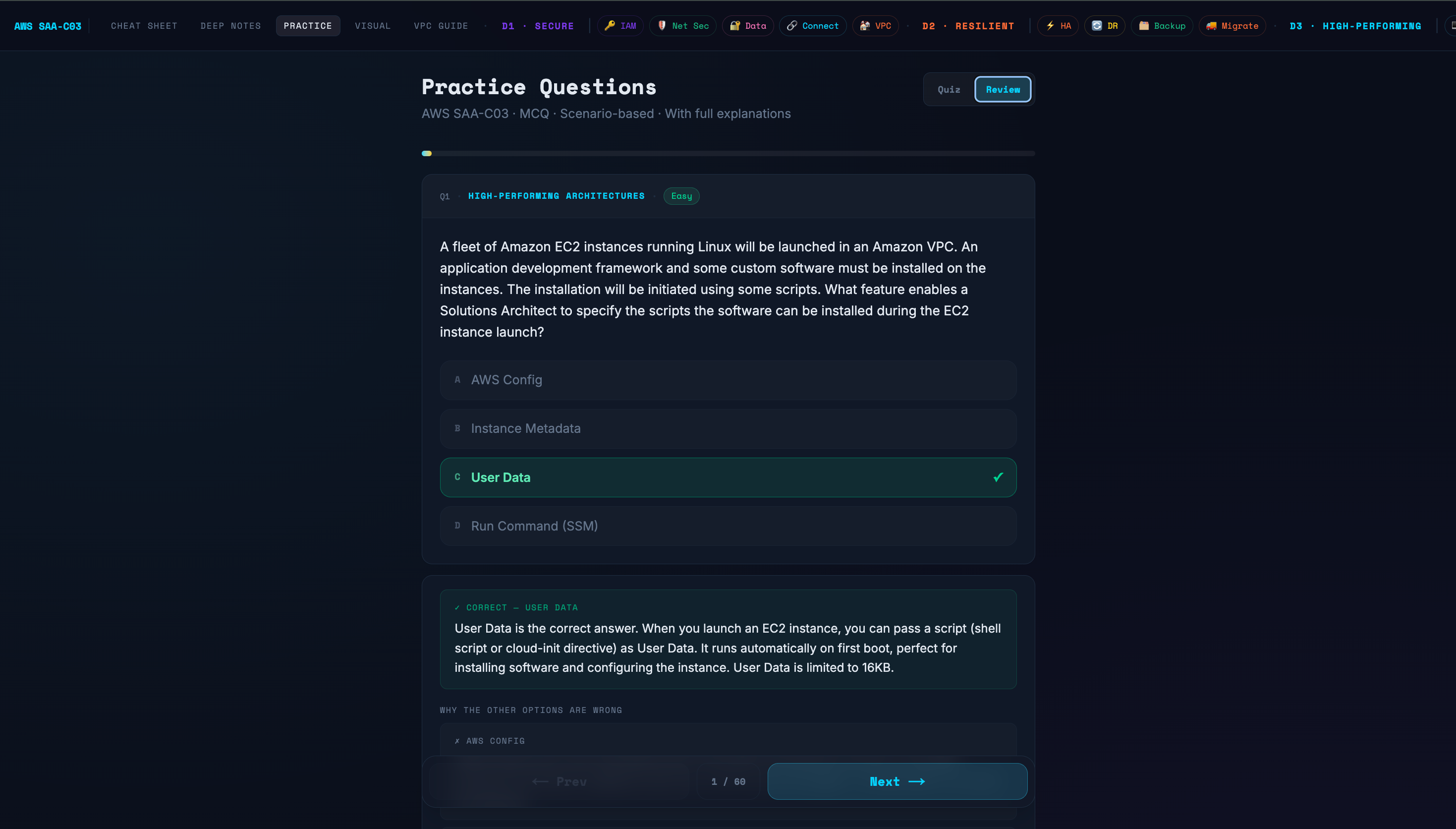
60 scenario-based multiple choice questions modelled after the real SAA-C03 format. Every question has a full explanation for the correct answer and why the other three options are wrong — which is where most of the actual learning happens.
Two modes: Quiz (immediate feedback per question) and Review (go through all answers at the end).
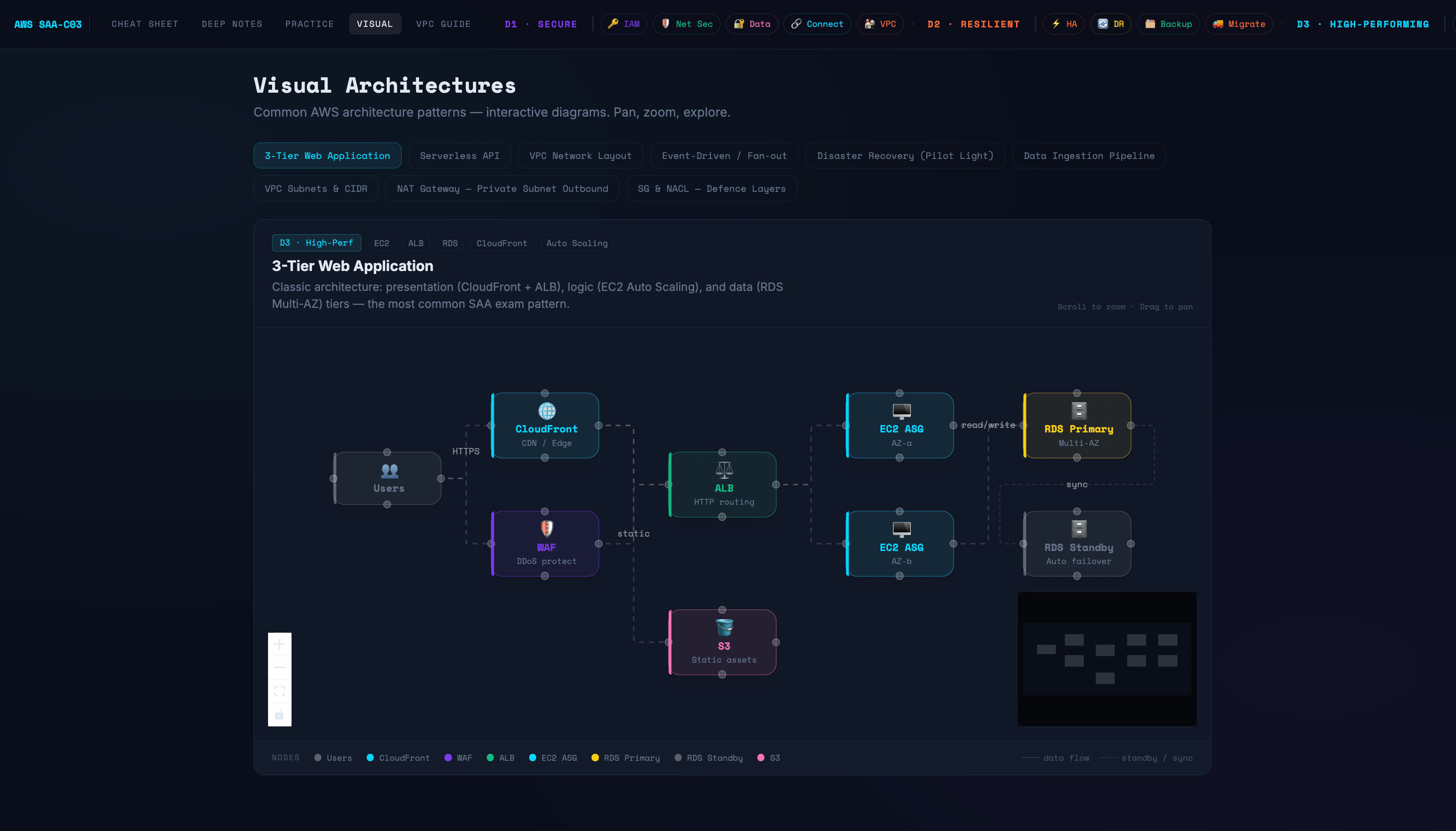
🗺️ Visual Architectures
Interactive architecture diagrams you can pan, zoom, and explore. Covers the most commonly tested patterns in SAA-C03:
- 3-Tier Web Application (CloudFront → ALB → EC2 ASG → RDS Multi-AZ)
- Serverless API
- VPC Network Layout
- Event-Driven / Fan-out
- Disaster Recovery (Pilot Light)
- Data Ingestion Pipeline
- VPC Subnets & CIDR
- NAT Gateway — Private Subnet Outbound
- Security Groups & NACLs — Defence Layers Each diagram labels every node and shows data flow clearly. Particularly useful for understanding how traffic moves between layers — something that static diagrams in most study guides don’t convey well.
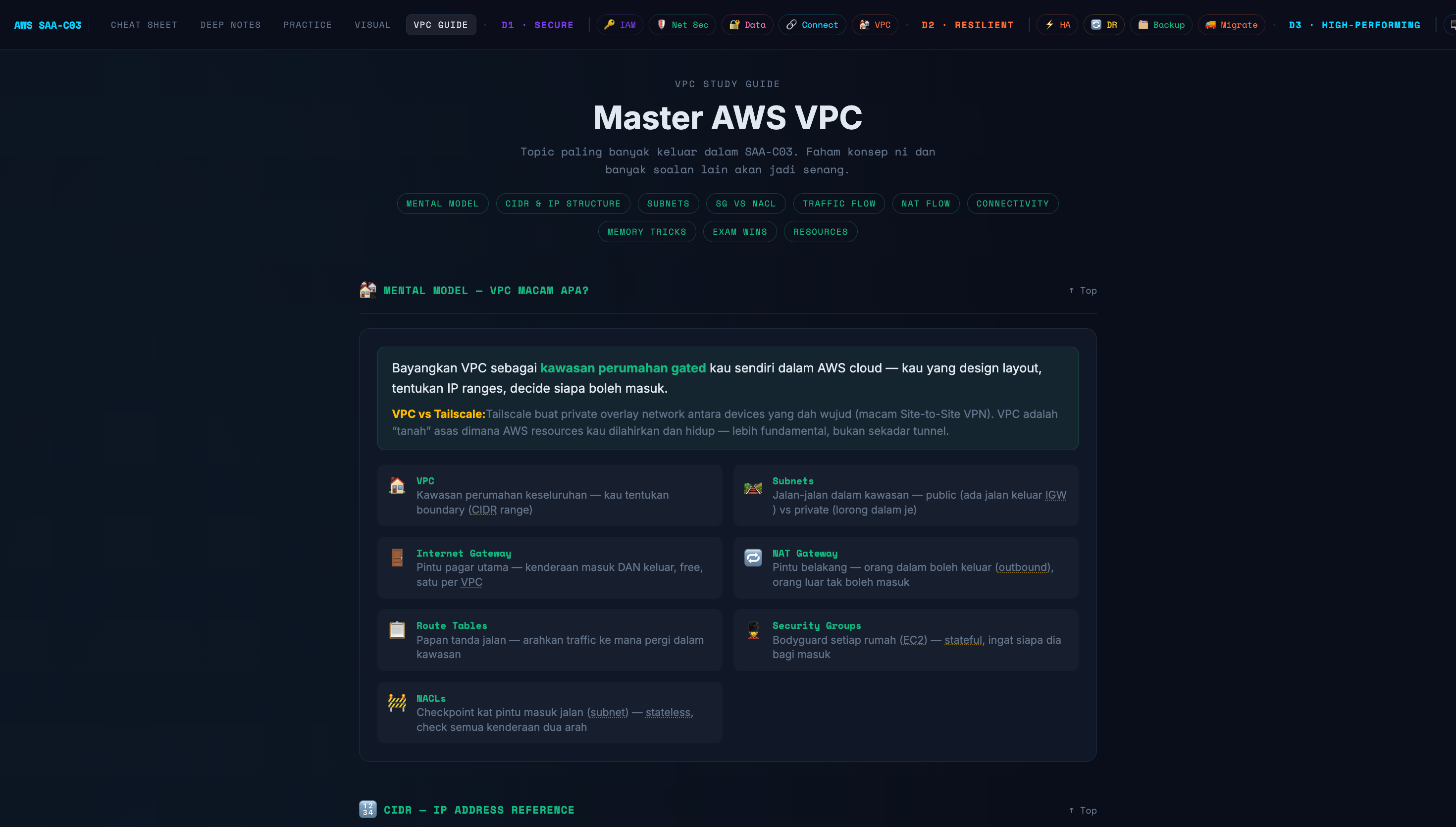
🌐 VPC Guide
A dedicated deep-dive into AWS VPC — the topic that shows up most frequently across all four domains. Covers mental models, CIDR & IP structure, subnets, route tables, internet gateways, NAT gateways, security groups vs NACLs, and traffic flow.
Written with analogies (a VPC as a gated residential area, subnets as its roads, NACLs as checkpoints at the gate) to make abstract networking concepts concrete and memorable.
Exam Domain Coverage
The entire site is structured around the four official SAA-C03 domains, with every section — cheat sheet entries, deep notes, practice questions, and diagrams — tagged to its domain so nothing falls through the cracks:
- D1 · Design Secure Architectures (30%) — IAM & Identity, Network Security, Data Protection, Connectivity
- D2 · Design Resilient Architectures (26%) — High Availability, Disaster Recovery, Backup, Migration
- D3 · Design High-Performing Architectures (24%) — Compute, Storage, Networking, Databases, Analytics
- D4 · Design Cost-Optimised Architectures (20%) — Pricing models, Storage tiers, Network cost, Serverless
Why I Built This
I couldn’t find a study resource that matched how I actually learn. Most guides are either too shallow (flashcard-style, no depth) or too dense (walls of documentation). I wanted something with:
- Fast lookup for revision (cheat sheet)
- Real depth when I needed it (deep notes)
- Exam-style pressure testing (practice questions)
- Visual mental models I could actually remember (architecture diagrams) So I built it myself — and made it public in case it helps anyone else preparing for the same exam.
More projects
view all →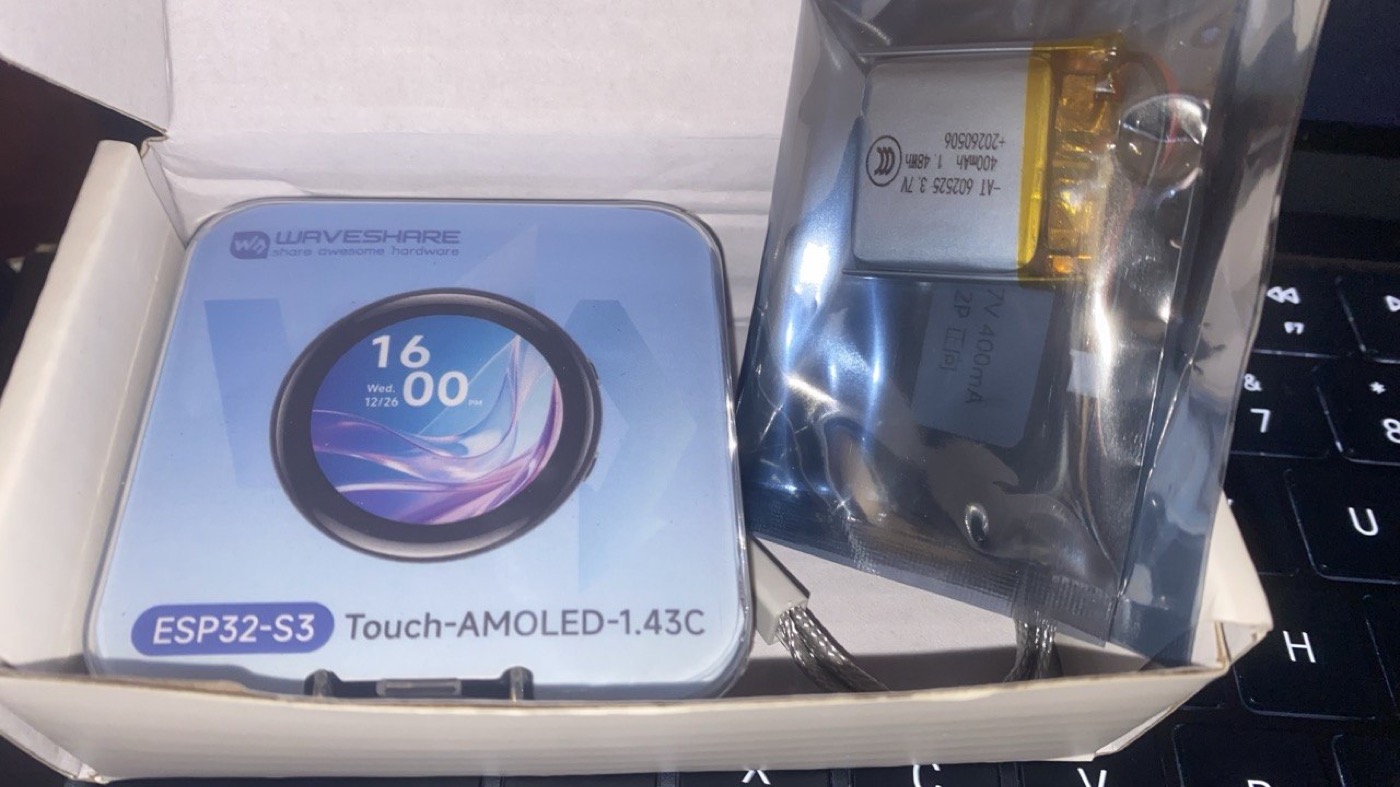
sihah-esp32
A voice-controlled AI chatbot on ESP32 — offline wake word, streaming speech to an LLM and back, and device control over MCP. My build of the open-source XiaoZhi project.
Mukawa AR Trail
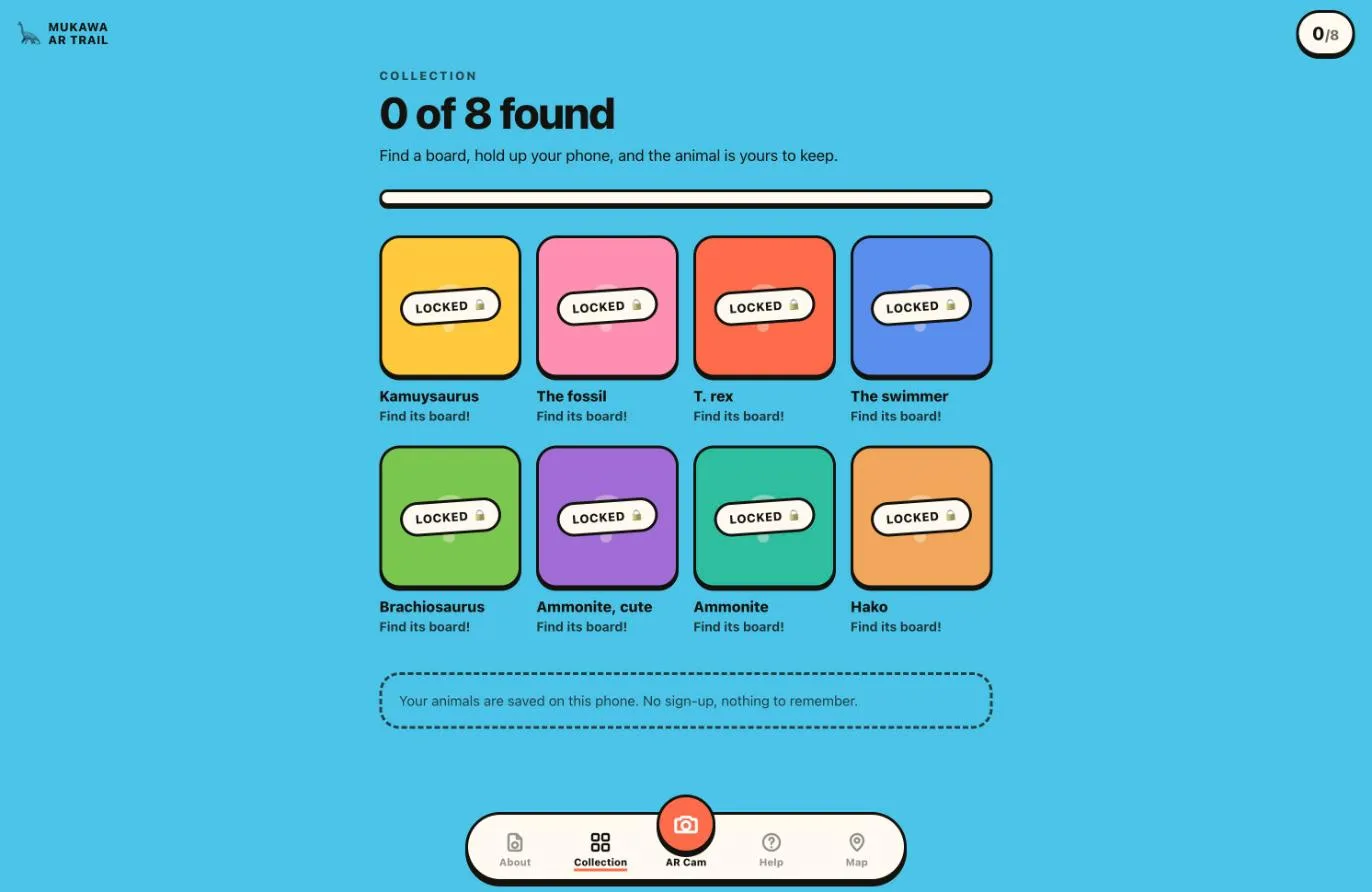
A web AR trail built as a study for the Mukawa dinosaur story. Eight printed boards hang around a building, each with a picture and a QR. The QR only opens a link, so the phone's own camera does the scanning; the app asks for the camera when the visitor taps, recognises the picture itself as an image target, and stands the creature on the board as you move. Every board found unlocks its creature in a collection saved on the phone, with no sign-up. Built end to end by me: the trail app, the image targets, the printed panels and the deploy.
Kaeru Plugins
Two independent Claude Code plugins from one marketplace: kaeru lets non-technical staff safely edit a website's text, images, and colors in their own language and submit a PR for review — git stays hidden, it never merges; octo is the developer-facing GitHub + CI/CD toolkit — repo bootstrap, the issue → PR → merge flow, CI checks, and releases. The name folds in three meanings at once: 変える (change/edit), 帰る (return — a PR coming back for review), and 蛙 (frog — the mascot) — chosen so non-technical staff hear "Kaeru shite!" as friendly, not technical.