July 2026
ohmyclawd
A Claude Code usage monitor on a tiny ESP32 desk display — session and weekly usage as animated pixel art, with a retro clock. My macOS + cloud fork of an open-source project.
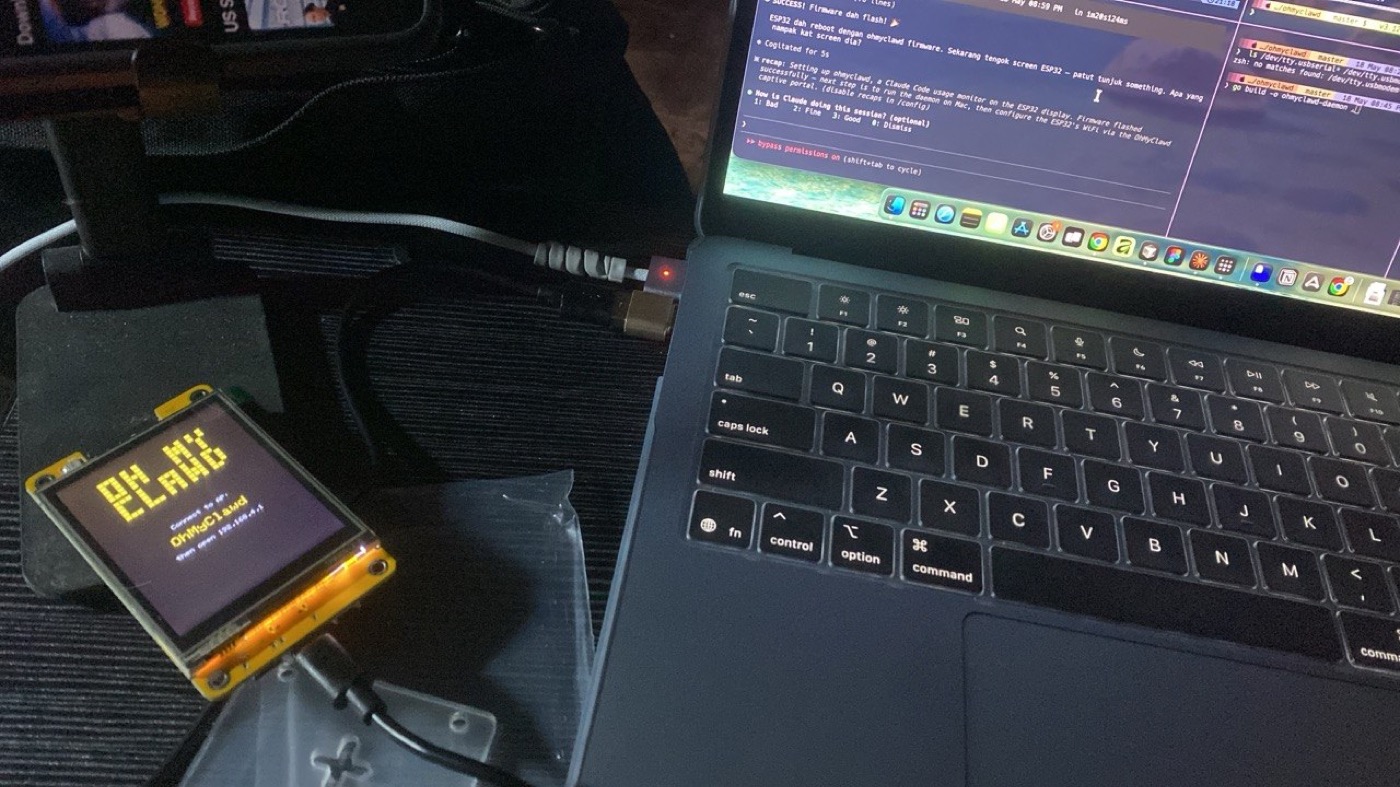
My first time with hardware, and my first real open-source fork: I took a Linux-only project and made it work end-to-end on my Mac — no sudo, Keychain auth — then deployed the daemon to the cloud.
A physical Claude Code usage monitor. It sits on a small ESP32 touchscreen and shows — in animated pixel art — how much of my Claude session and weekly limit I've burned, plus a digital clock.
A fork, credited. This builds on opariffazman/ohmyclawd, the original (Linux-focused) project — the firmware and pixel art are theirs. My fork, ohmyclawd-mac, makes it run on macOS and in the cloud; that part is mine.
What it does
- Real-time usage bars — session and weekly utilisation at a glance.
- 13 animated pixel sprites — the character changes with Claude Code's state, including a "waiting for your input" pose detected from the tmux session.
- OTA firmware updates — it checks GitHub releases on boot and updates with a tap, so I don't have to re-flash over USB.
- Captive-portal setup — WiFi and daemon config happen in the browser, no code changes.
- Pixel clock mode — a retro digital clock with a second-progress bar.
What I added in the fork
The original assumed Linux — systemd, credentials in a JSON file, sudo. Getting it onto my Mac, then off my Mac entirely, meant reworking the whole daemon and setup side:
- macOS-native install — a launchd service instead of systemd, installed to
~/.local/binso there's no sudo. - Keychain auth — macOS keeps Claude's credentials in the Keychain, not a JSON file, so I moved the daemon to a long-lived OAuth token (
claude setup-token). - Cloud deploy (Fly.io) — a multi-stage Dockerfile (a ~6 MB static Go binary) plus
fly.toml, so the daemon runs at a stablefly.devURL and the ESP32 no longer depends on my Mac's local IP. - OTA from the fork, modernised CI (current GitHub Actions,
master→main), and a rewritten macOS A-Z setup guide in the README.
Hardware
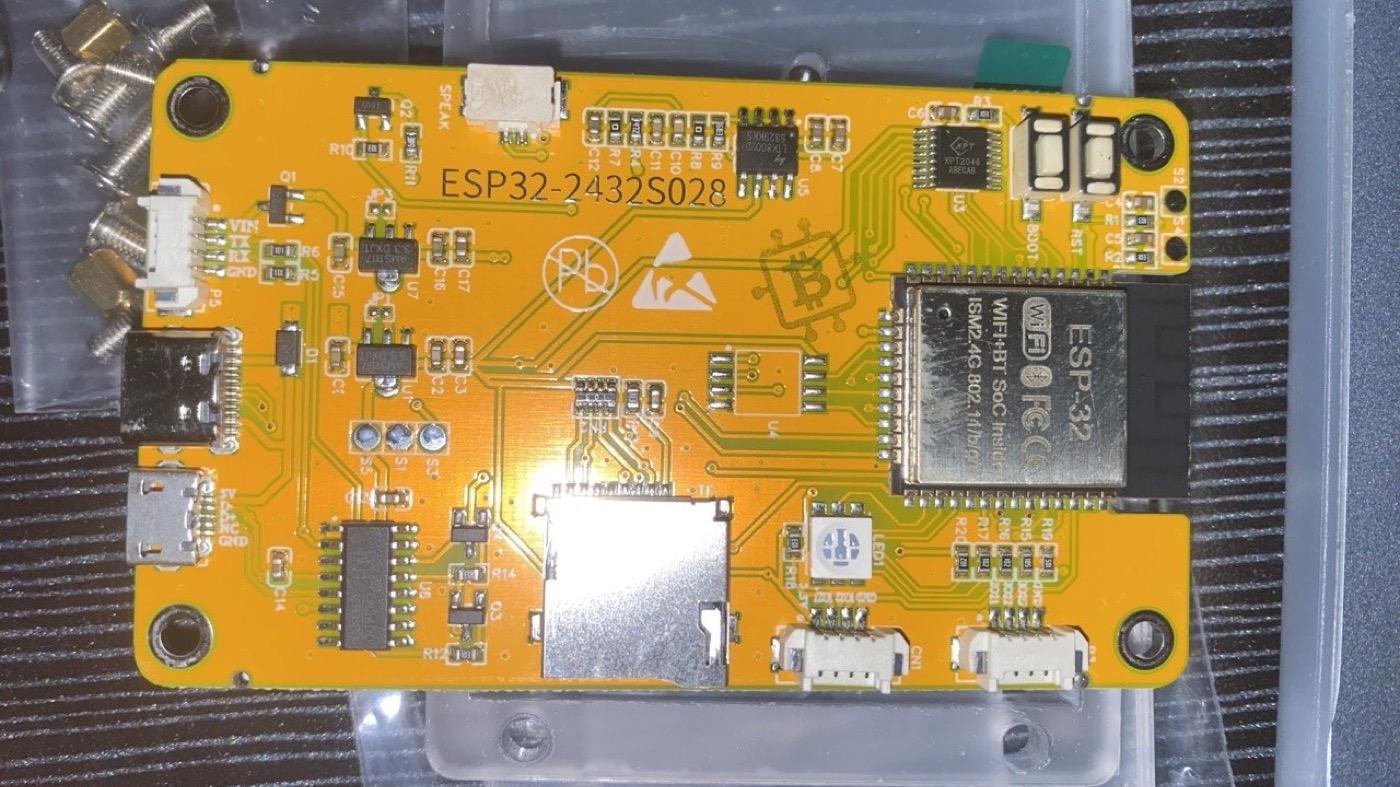
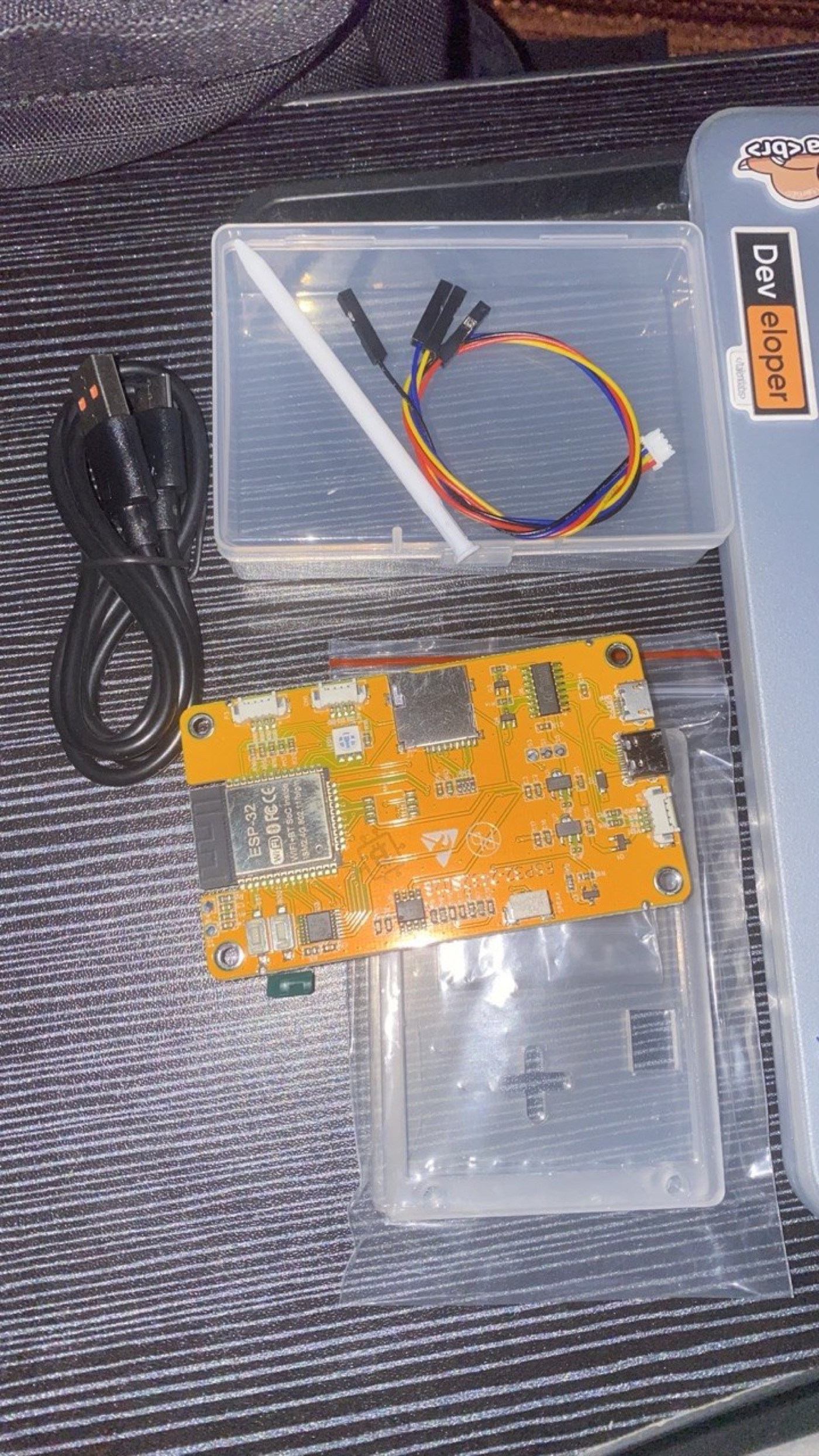
- Board: ESP32-2432S028R — the "Cheap Yellow Display" (CYD): a 2.8" ILI9341 320×240 TFT with an XPT2046 resistive touchscreen and 2.4 GHz WiFi.
- Firmware: C, flashed with PlatformIO.
- Daemon: a small Go service — on my Mac via launchd, or on Fly.io — that reads Claude Code's usage from its rate-limit headers; the ESP32 polls it over WiFi.
Why it matters to me
I'd only ever built for the web. This was my first time with real hardware — flashing firmware, wiring a board, the whole "why is nothing on the screen" loop — and my first time taking someone else's open-source project and making it genuinely mine on a different platform, all the way to a cloud deploy. The full macOS setup, step by step, lives in the repo README.
More projects
view all →Quack prototype
A pixel-duck agent UI for the ESP32 Cheap Yellow Display — idle / listening / thinking / talking sprites, an I2S mic, and touch pages — prototyped in the Wokwi simulator. The precursor to ohmyclawd.

XiaoZhi AI
A self-hosted backend for XiaoZhi ESP32 voice companions: wake word on device, then ASR → LLM → TTS and MCP tools through a server I control. Fork of xiaozhi-esp32-server, paired with the open-source xiaozhi-esp32 firmware (hands-on build logged separately as sihah-esp32).
sihah-esp32
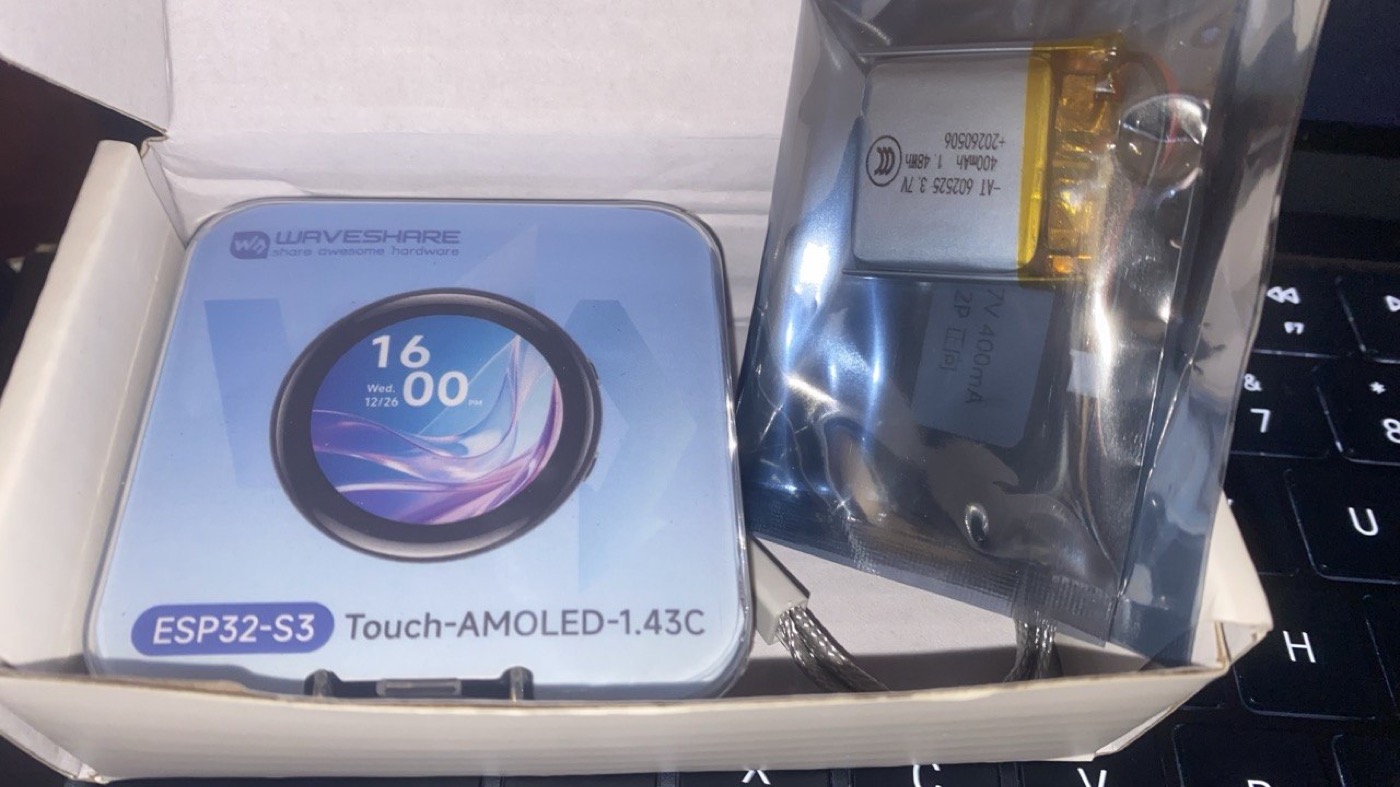
A voice-controlled AI chatbot on ESP32 — offline wake word, streaming speech to an LLM and back, and device control over MCP. My build of the open-source XiaoZhi project.